
Product Details
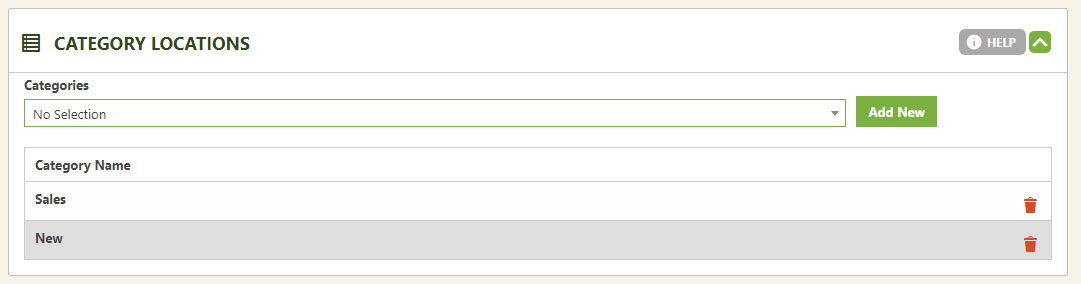
Category Locations
Categories are the best way to group products — for display, for menus, for coupons, and more. Add as many products as you like to as many categories as you like.
Categories vs. Menus
Two ways to group products. Categories win on flexibility.
EasyCart gives you two ways to group products: categories and menus. Categories are the preferred method — unlimited, flexible, and useful well past the storefront. Use them to build display groups, list under menus, and power coupons and other promotions.
💡 Tip: Want to see it in action? Browse our video tutorial library for a walkthrough of categories.
Editing Category Locations
Build your categories once, then add products two ways.
Build Your Categories
Head to the category section of EasyCart to build your categories. Learn more about creating categories.
Add Products Two Ways
Add products to a category from the category section itself, or right on the product page by selecting from the pulldown and adding.
WP EasyCart — Category Locations Panel
Start Grouping Products the Flexible Way
Build categories once and use them everywhere — display groups, menus, coupons, and promotions. Our support team is ready if you need a hand.