
Product Details
Specifications
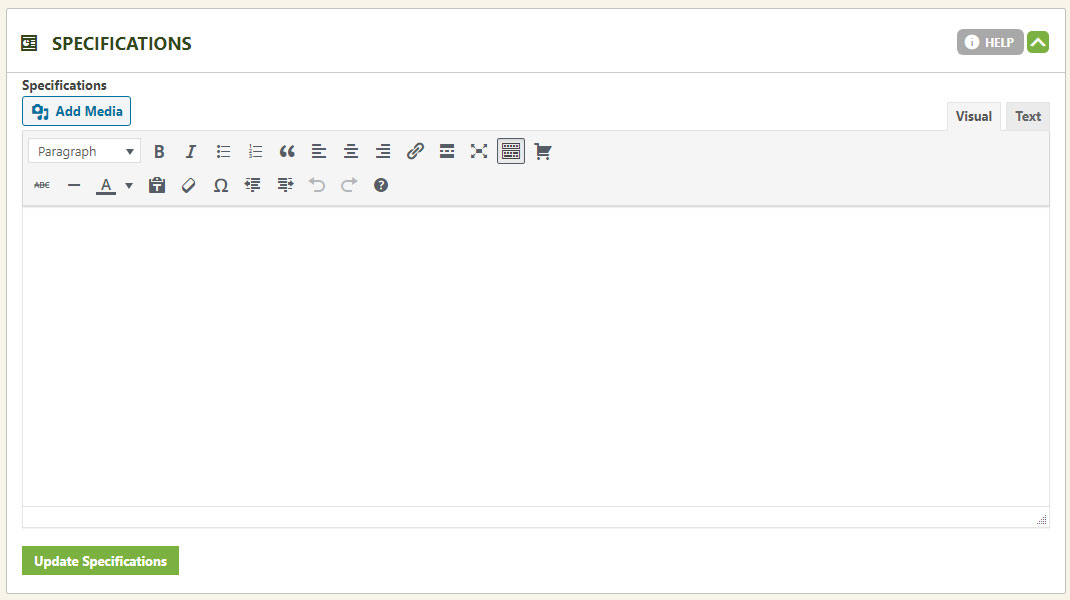
The Specifications tab sits right alongside your main product description — a flexible spot for media and detail on complex products. Leave it empty and the tab simply disappears from the page.
Editing the Specifications Tab
Fill it in for products that need extra depth. Skip it, and the tab won’t show at all.
Want to call it something other than “Specifications”? Rename the tab in our language editor to match your own product language.
WP EasyCart — Specifications Tab
💡 Need more than one tab? Our unlimited tabs extension adds as many custom tabs as your products need. It comes free with Premium Edition, along with every other EasyCart extension.
Give Complex Products Room to Breathe
Use the Specifications tab to go deep on the products that need it — and lean on our support team if you want a hand setting it up.