
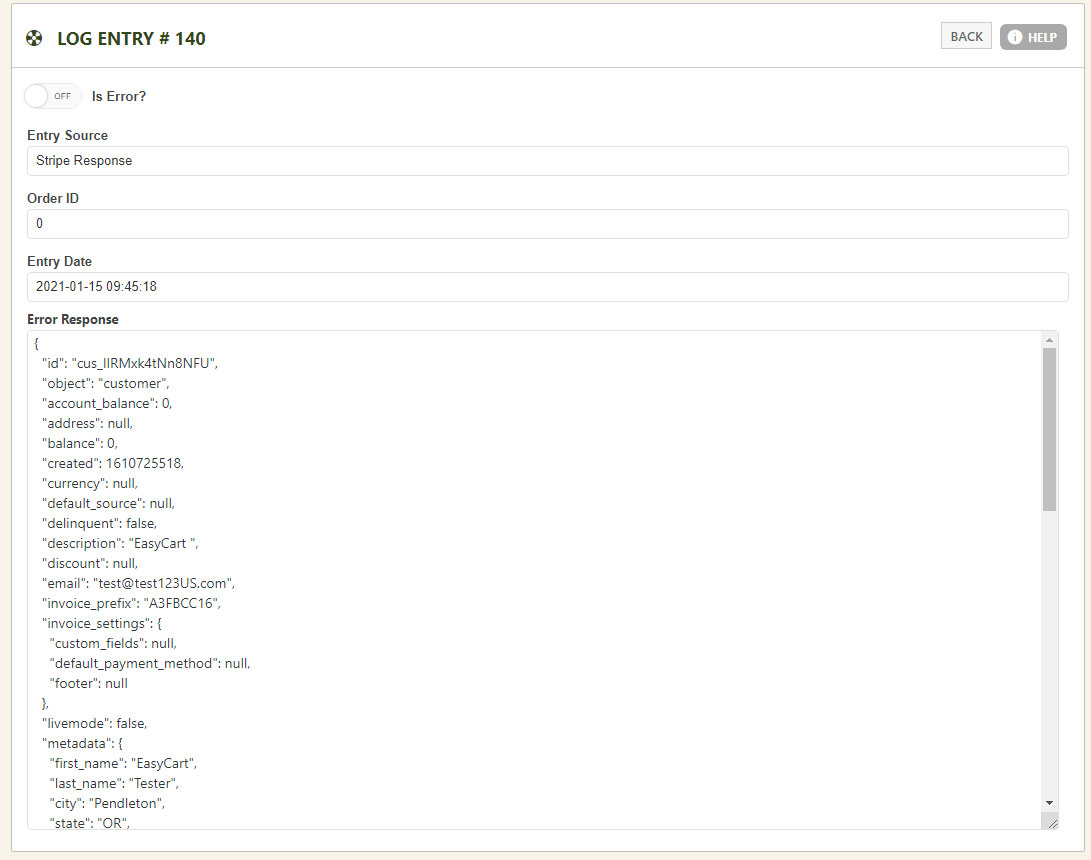
WP EasyCart — Log Entry Detail
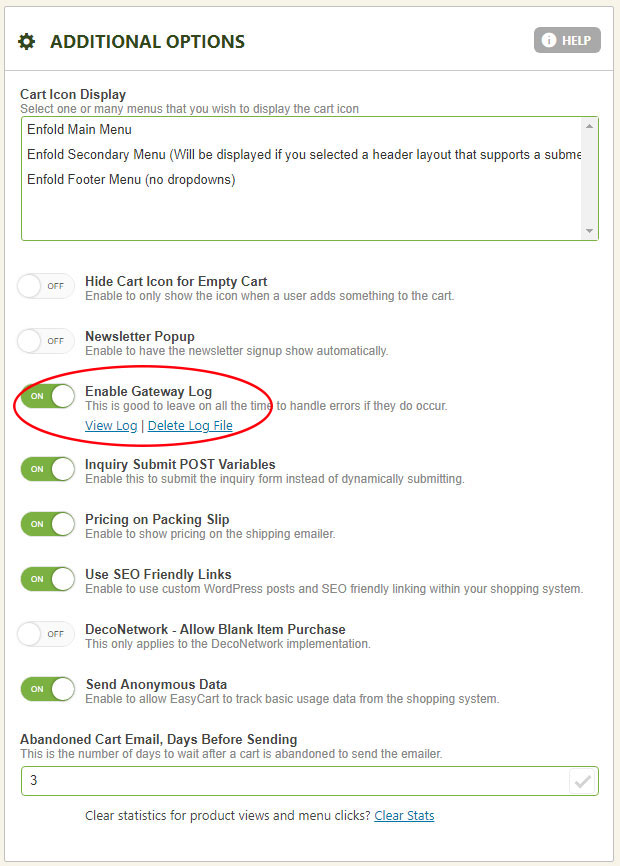
WP EasyCart — Enable/Disable Logging
1 min read
Troubleshooting
Every API call EasyCart makes — shipping, payment, and tax — leaves a trail. Log entries capture that trail so you can see exactly what happened, and why.
Log entries capture responses from shipping APIs like UPS, FedEx, and USPS, from your payment gateways, and from our TaxCloud tax integration.
Every entry tied to an order carries that order’s ID. Calls from other sources, like a standalone shipping or tax lookup, show 0 instead. Open any entry to review the raw data — this is especially useful for seeing exactly what a failed payment gateway response actually returned.
WP EasyCart — Log Entry Detail
Turn logging off before your site goes live.
Turn Off Logging Before You Go Live
Log responses often contain sensitive information like transaction IDs. Once your site is live and processing real payments, disable logging — and delete the existing log file — so none of that data gets saved or viewed. Both options live under Settings › Additional Settings.
WP EasyCart — Enable/Disable Logging
Log entries usually tell the story. If a gateway or shipping response still doesn’t make sense, our support team can help you read it.