Product Images

3 min read

Product Details

Product Images

Free WP EasyCart stores get up to two images per product. Upgrade to Professional or Premium and you unlock unlimited images and video — pulled from the media library, an external URL, YouTube, or Vimeo — plus images that change with every option or modifier a shopper picks.

Free Edition — Two Images Per Product

Every free store ships with room for two images of any size or quality, no strings attached.

WP EasyCart — Free Edition Product Images
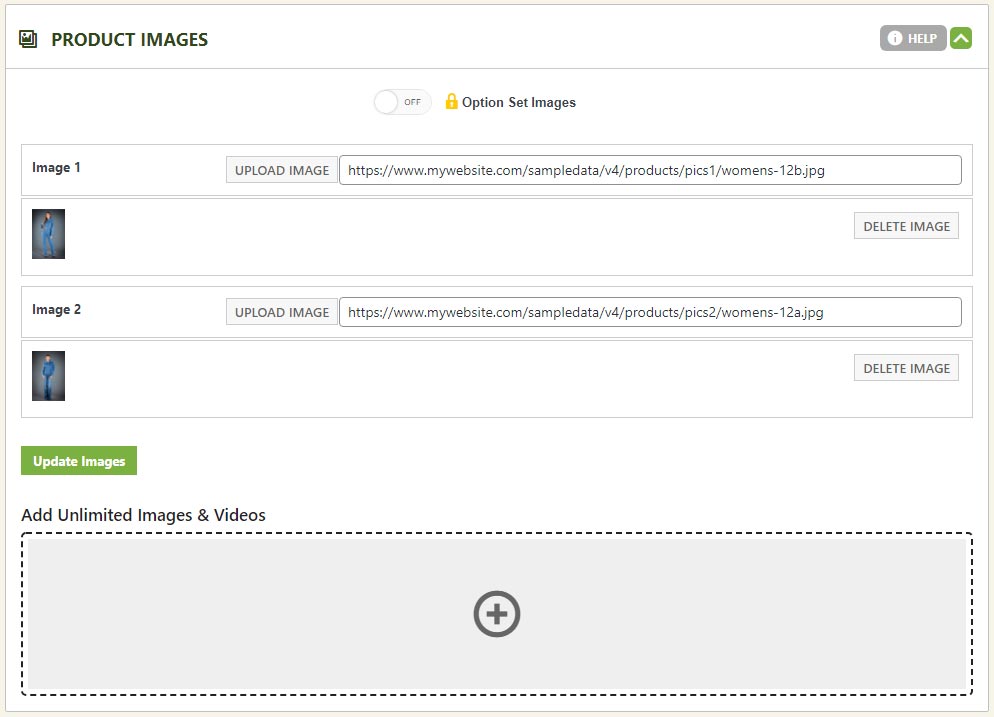
WP EasyCart free edition product images panel with a two image limit

Professional & Premium — Unlimited Everything

Unlimited images and video, pulled from wherever your assets already live.

Mix and match images and video from your media library, an external URL, YouTube, and Vimeo. Assign them to the product overall, to each item in your first basic option set, or to each item in your first modifier — whatever combination fits how you sell.

Add & Organize Your Images

One + icon controls it all — general images, option images, or modifier images.

1

Add General Product Images

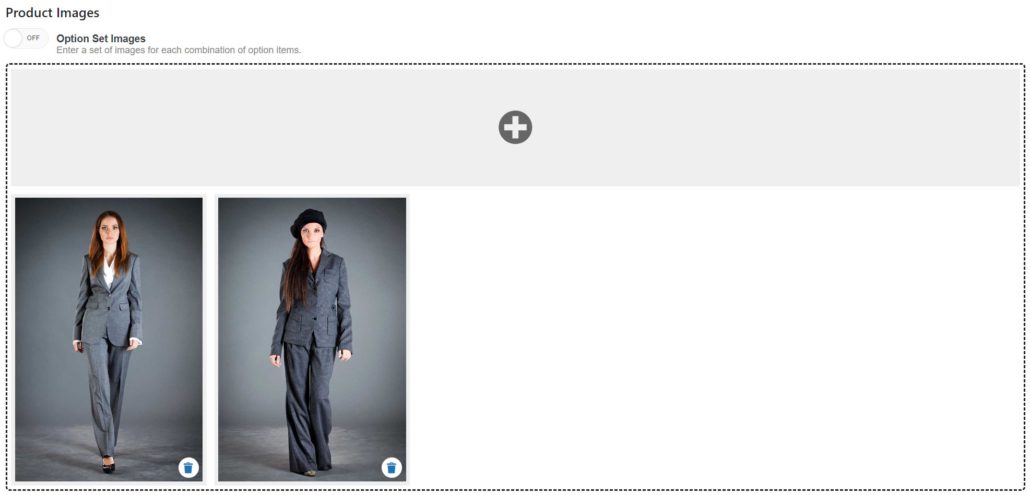
Make sure “Option Set Images” is disabled, then click the + icon and choose the type of image or video you want to add.

WP EasyCart — Add Unlimited Images

WP EasyCart unlimited images panel with the plus icon to add images or video
2

Make Images Follow Option Choices

Enable “Option Set Images” and each image now changes based on which option item the shopper selects.

WP EasyCart — Unlimited Option Item Images
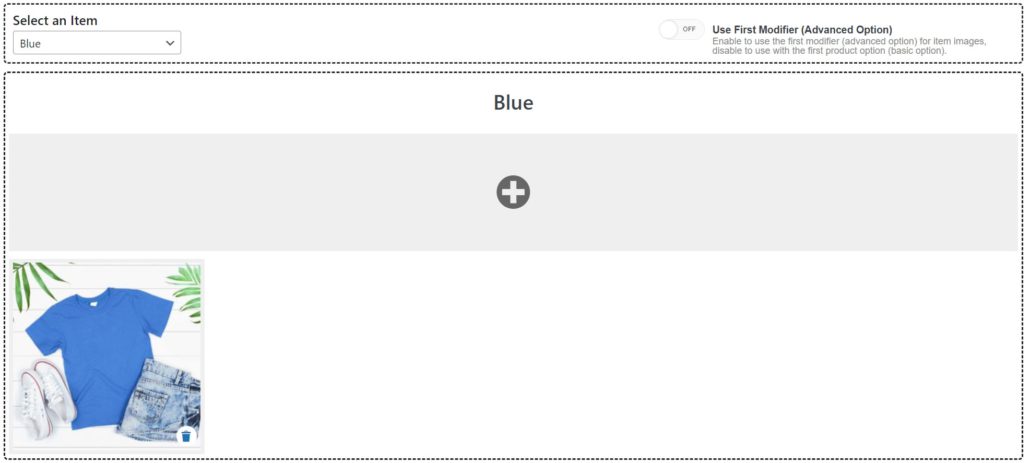
WP EasyCart option item images enabled so images change per option choice
3

Use a Modifier Instead of Basic Options

Want a product modifier to control images instead of your first basic option set? Flip the toggle to the right of the option set — the item list on the left switches to match.

WP EasyCart — Images Driven by a Modifier
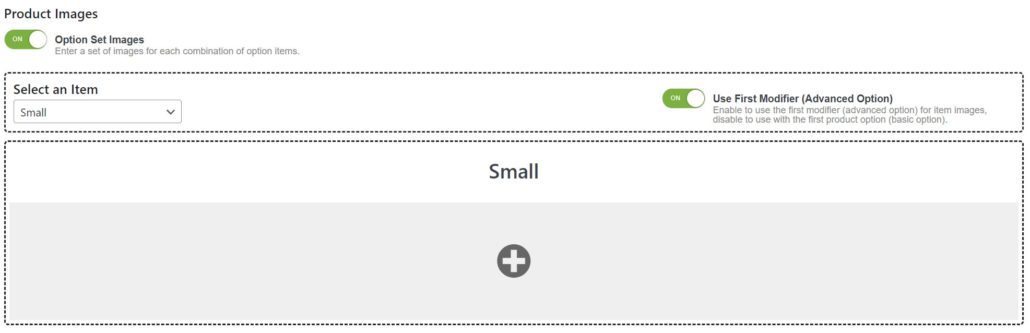
WP EasyCart toggle to drive images from the first product modifier

Manage Large Option Sets Fast

Dozens of option combinations? Handle them all in one spreadsheet pass.

1

Export, Edit, Re-Import

Export the image set to CSV, edit it in your spreadsheet app, then upload it back using the “import image set” form.

WP EasyCart — Import Image Set

WP EasyCart import image set form for large option sets

Add Images From Any Source

Media library or straight URL — either way takes seconds.

1

Add From the Media Library

Click the + icon, then “Media Library.” Select an image (or several) the way you normally would in WordPress — upload new files or pick ones you’ve already added — then click “Use Image” to apply your selection.

WP EasyCart — Media Library Images

WP EasyCart adding a product image from the WordPress media library
2

Add an Image From a URL

Click the button and paste the full image URL, starting with https://.

WP EasyCart — Image From URL

WP EasyCart adding a product image from an external URL

Embed Video From a URL, YouTube, or Vimeo

Every embedded video needs one more thing: a thumbnail image.

1

Embed a Direct Video File

Enter the video URL plus an image URL (or pick one from the media library) — that image becomes the video’s thumbnail on your product.

WP EasyCart — Video From URL

WP EasyCart embedding a video from a direct URL with a thumbnail image
2

Embed a YouTube Video

Enter the YouTube player embed URL along with an image URL or media library pick for the thumbnail.

WP EasyCart — Embedded YouTube Video

WP EasyCart embedding a YouTube video with a thumbnail image
3

Embed a Vimeo Video

Same idea for Vimeo — enter the player embed URL plus a thumbnail image URL or media library selection.

WP EasyCart — Embedded Vimeo Video

WP EasyCart embedding a Vimeo video with a thumbnail image

Remove an Image or Video

One click, and it’s gone.

Hover the image or video box and click the trash icon that overlays it to remove it from the product.

WP EasyCart — Remove an Image or Video
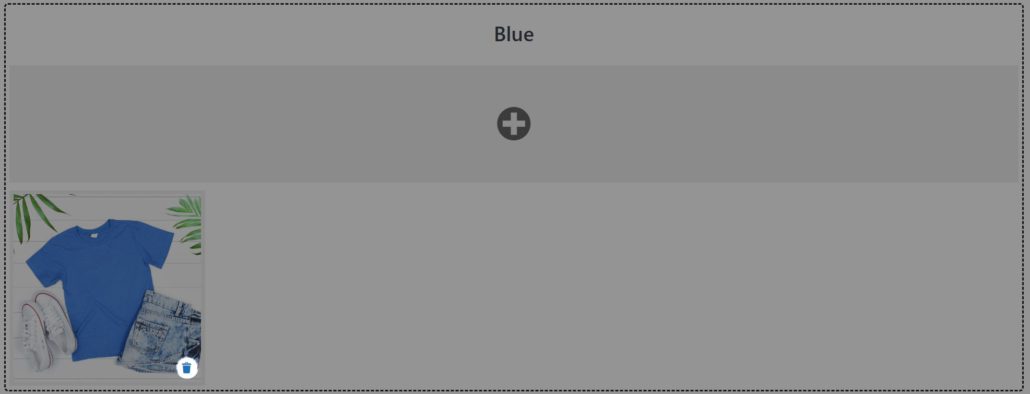
WP EasyCart trash icon overlay to remove a product image or video

Ready for Unlimited Product Images?

From a single photo to a full gallery of images and video, WP EasyCart shows your products at their best. Need a hand setting it up?

Updated on July 20, 2026