
WP EasyCart — Price Point Settings
< 1 min read
Detailed Settings
Price points group your products by price range. Pair them with the EasyCart sidebar widget and shoppers can filter straight to the products in their budget.
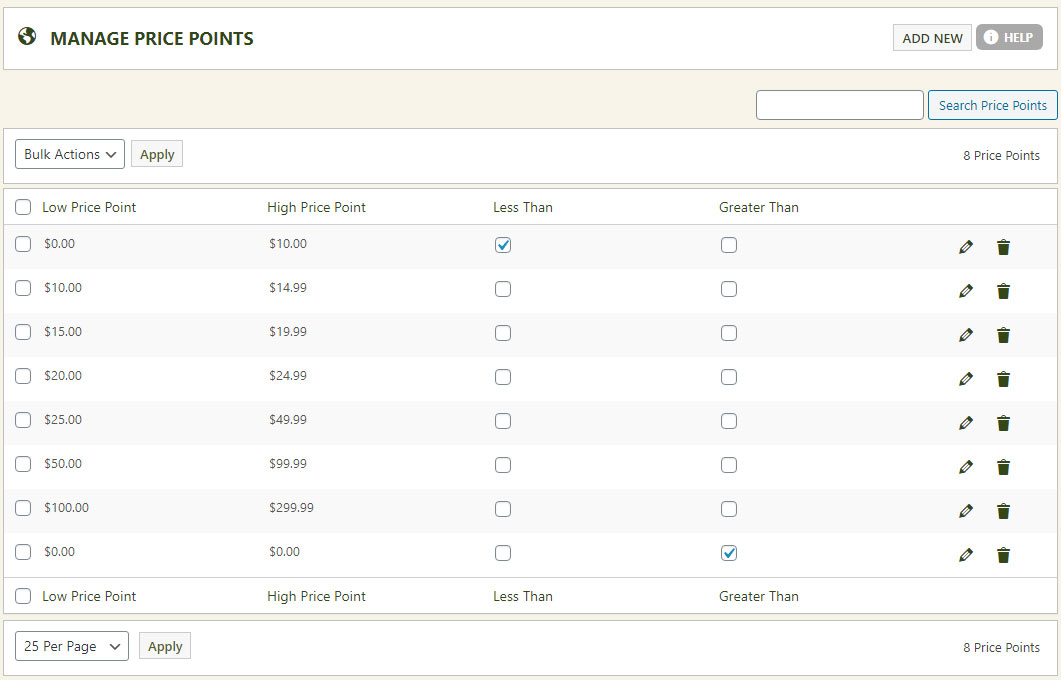
Add a new price point or edit an existing one. Each is designated as a bottom value, a middle value, or a top-end value — think of price points as the ranges your products filter into.
The one rule of price points
Exactly 1 must be ‘Less Than’, exactly 1 must be ‘Greater Than’, and at least 1 must sit in between. Create as many in-between ranges as you like.
WP EasyCart — Price Point Settings
Add the price point widget to your sidebar and let customers browse by budget. Questions about setup? Our support team is ready.