Speak directly to customers after they buy. Add a custom message to the Thank You page, the receipt email, or their account order details — three placements, one flexible note field for each.
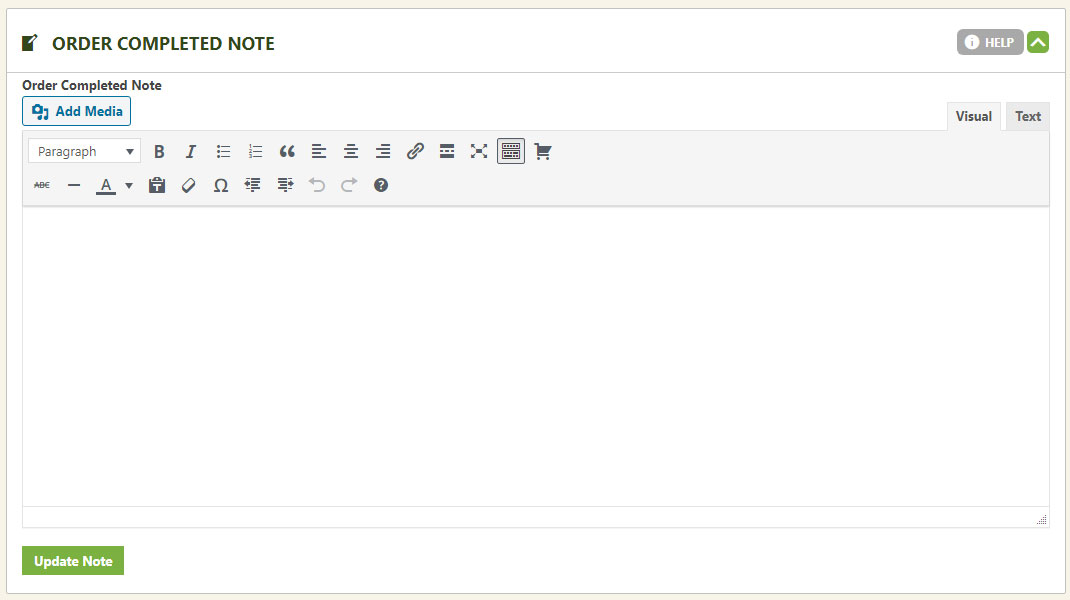
Order Completed Note
Greet shoppers the moment checkout finishes.
Add any message you like here — text, links, URLs, or images — and it appears on the order confirmation page, the Thank You page shoppers land on right after a successful purchase. Only customers who’ve actually bought this product will see it.
WP EasyCart — Order Completed Note
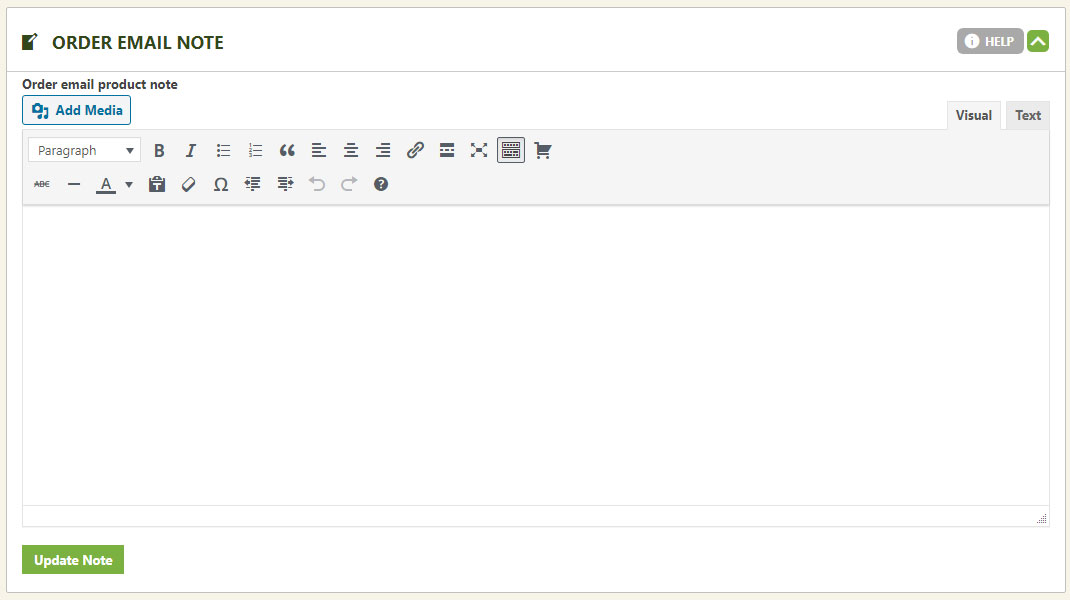
Order Email Note
Put the same personal touch in their inbox.
This message lands inside the order confirmation email instead — same rules apply. Add text, links, URLs, or images, and it’s included the moment this product sells. Again, only customers who’ve purchased this product will see it.
WP EasyCart — Order Email Note
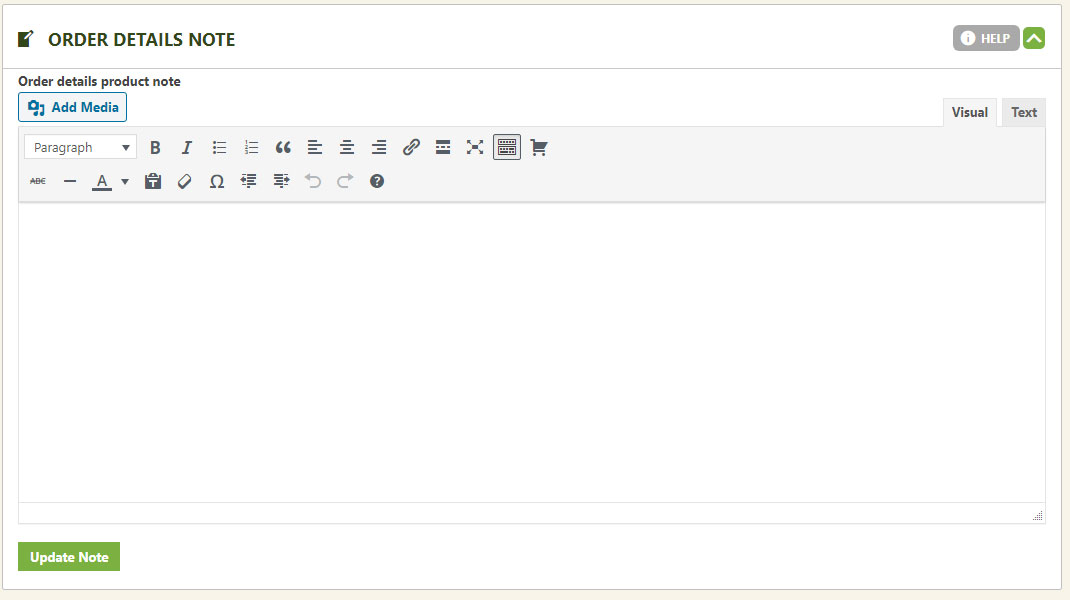
Order Details Note
Reach them again, even after the emails stop.
This note shows up inside the customer’s order details, in their account section — visible once they log in and view that specific order. Same flexibility: text, links, URLs, or images, shown only to buyers of this product.
WP EasyCart — Order Details Note
💡 Editing Standard Phrases: All three notes above are custom add-ons you write yourself. To edit any of EasyCart’s built-in wording instead, use the general language editor.
Want These Notes Working Harder?
Our support team can help you craft the right message for each stage of the order — confirmation page, email, or account details.