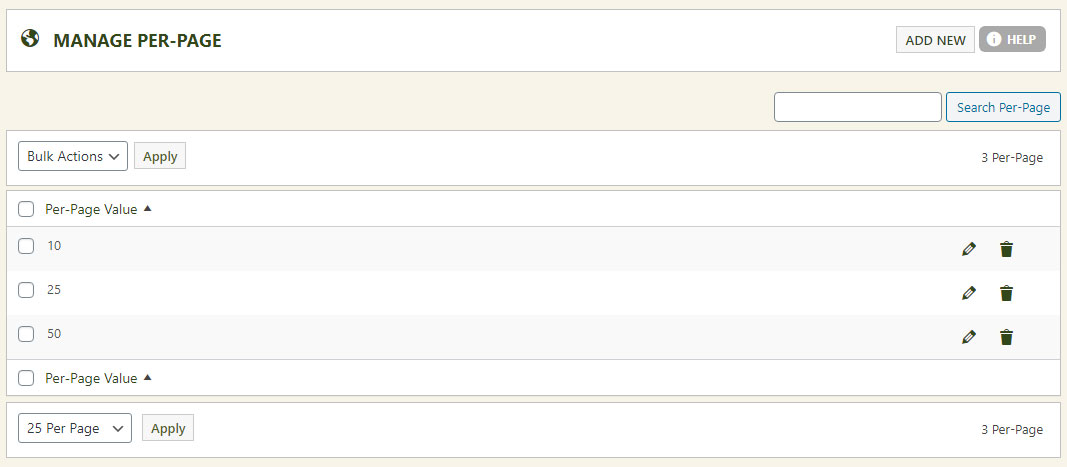
The per-page grouping system sets how many records or products appear on a page — and lets shoppers choose to see more or less. Offer 10, 25, or 50 products per page, and EasyCart uses the middle value as the default.
Editing Per-Page Values
Simply edit the value you wish for each per-page option. It appears on the store page when the per-page selector is displayed to users.
💡 Not seeing it on your store? The per-page selector can be turned off in Basic Settings — make sure the display option is enabled there.
WP EasyCart — Per Page Settings
What Shoppers See
In this example the store offers 10, 25, and 50 per page, with 25 as the default. Shoppers simply pick the view they prefer.
Storefront — Per Page Selector
Fine-Tune the Whole Browsing Experience
Per-page options pair perfectly with price points and design settings for a store that browses exactly how your customers like. Questions? We’re here.