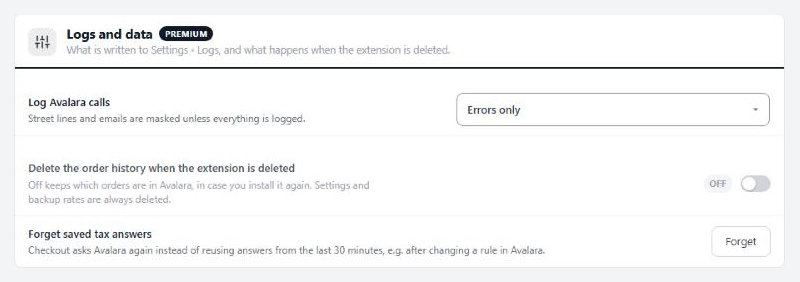
Getting started
Where AvaTax stands, and what is left to do.
no stored settingsWhat you need. A Premium license, with AvaTax installed from EasyCart › Extensions, which also installs WP EasyCart Premium. WP EasyCart 6.0.2 or newer and WP EasyCart Premium 1.1.0 or newer. WP EasyCart PRO 6.0.2 adds the tax code field in the product editor and Avalara tax on orders you create in the admin. And an Avalara account; the Status line links to Avalara’s free trial if you have none.
The checklist. The top of the page walks you through it, ticking each step as it is done: connect your Avalara account, pick the company, enter where orders ship from, choose tax codes, and make AvaTax the store’s tax service. Use Avalara AvaTax does that last step here; Use AvaTax on Settings › Taxes does the same.
Try an address. Once connected, enter any address, an item price, shipping and a tax code, and press Ask Avalara. You see the tax, the tax on shipping, the combined rate and every jurisdiction. Nothing is recorded.
Go live. When the answers look right, press Start recording. Orders are then recorded in Avalara from that moment. Orders placed before you installed AvaTax are never sent on their own; the Send orders tool can add them.
A status line above the checklist reads Live, Test mode, Setting up, Paused or Not answering, and warns when calls to Avalara failed in the last day.
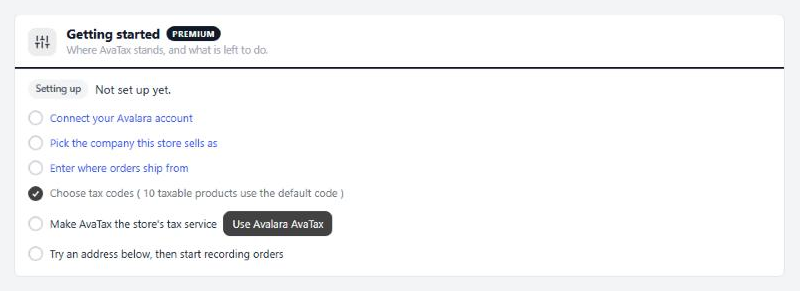
Connection
Your Avalara Account ID and license key, from Avalara › Settings › License and API keys.
5 settingsCalculate tax with Avalara
Asks Avalara for the tax at checkout. Off, checkout uses the rates on Settings › Taxes and nothing goes to Avalara.
Avalara account
Which Avalara account the ID and key belong to. Most stores only have Production, and Avalara’s free trial is one too. A Sandbox is a separate, paid Avalara account. Changing it forgets the companies read from the old one.
Account ID
The ten-digit number from Avalara › Settings › License and API keys. Anything that is not a digit is removed. Saving checks it with Avalara and warns you if Avalara turns it down.
License key
Generate it on the same Avalara page and paste it here. WP EasyCart Premium keeps it encrypted, so after saving the box shows dots and the last four characters. Generating a new key in Avalara stops the old one working everywhere, so update it here straight away.
Test the connection
Test now asks Avalara whether it accepts the Account ID and license key, and reads the account’s companies. The Status line then reads Connected, or Not accepted with Avalara’s reason. An account with one company has it picked for you.
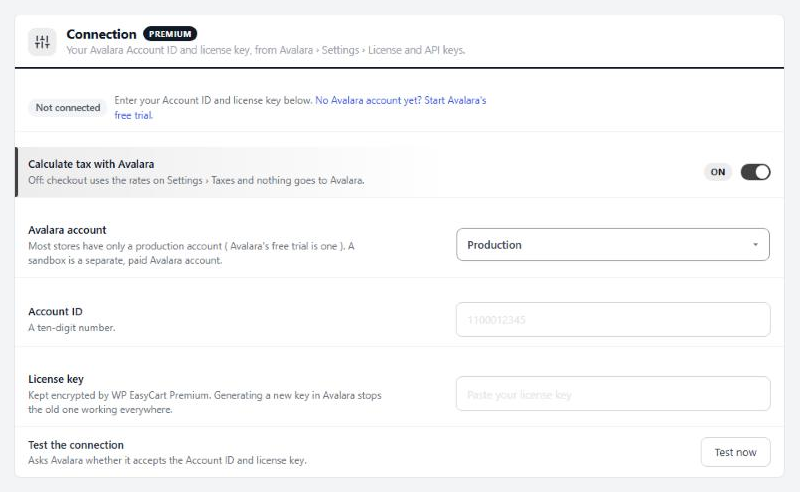
Company
The Avalara company this store sells as, and the addresses it taxes.
4 settingsCompany
The Avalara company this store sells as. Tax follows the states and countries this company collects in, which you set up in Avalara. Below it, Collects tax in lists them, or reads Nowhere yet.
Addresses Avalara taxes
Which shipping addresses Avalara taxes. United States only; United States and Canada, with GST, HST and PST from Avalara; or Every country, with VAT from Avalara too. Other addresses use the rates on Settings › Taxes. If your prices already include VAT, VAT countries stay on your own VAT settings so they are not taxed twice.
Order number prefix
Orders show in Avalara as PREFIX-1042. Give each store that shares an Avalara company its own prefix. Letters, digits, dashes and underscores, up to 20. Change it only before orders are recorded.
Refresh companies
Refresh reads the companies and the places they collect in from Avalara again. Use it after adding a company or a state in Avalara.
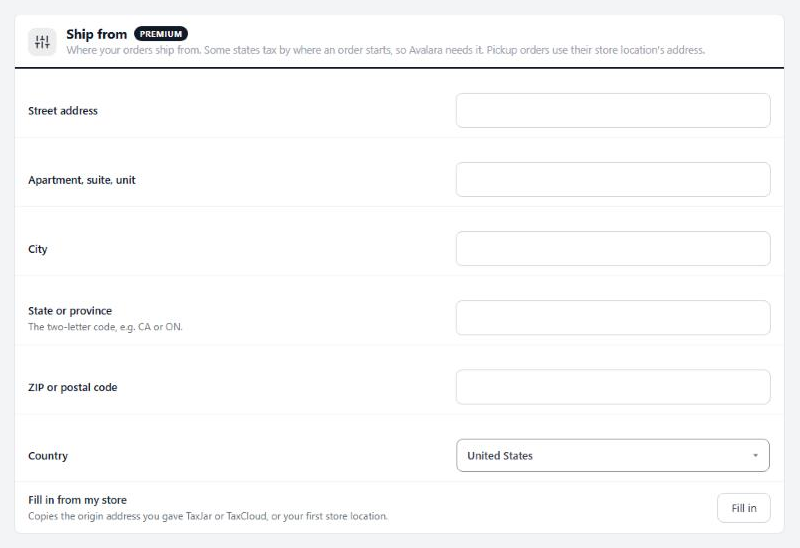
Ship from
Where your orders ship from. Some states tax by where an order starts, so Avalara needs it. Pickup orders use their store location’s address.
7 settingsStreet address
The street address your orders ship from.
Apartment, suite, unit
Optional second address line.
City
Your city.
State or province
The two-letter code, such as CA or ON.
ZIP or postal code
Your ZIP or postal code.
Country
The country you ship from.
Fill in from my store
Fill in copies the origin address you gave TaxJar or TaxCloud, or your first store location, into the fields above.
Tax codes
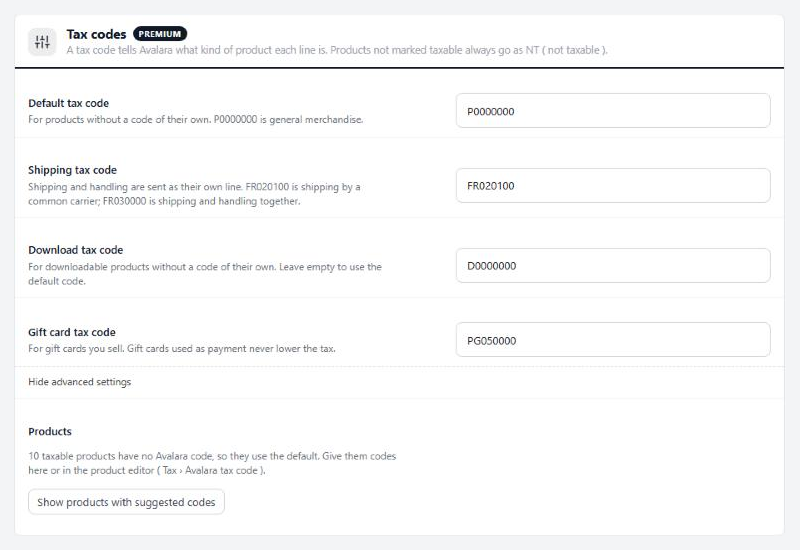
A tax code tells Avalara what kind of product each line is. Products not marked taxable always go as NT ( not taxable ).
4 settingsDefault tax code
For products without a code of their own. P0000000 is general merchandise. A code Avalara’s list does not have saves with a warning, so check it before orders use it. Below the codes, the section counts taxable products still on the default. Show products with suggested codes lets you give each its own code there; the product editor’s Avalara tax code field does the same. A numeric TaxCloud or TaxJar code in that field is not an Avalara code, so the default is used.
Shipping tax code
Shipping and handling go to Avalara as their own line with this code. FR020100 is shipping by a common carrier, FR030000 is shipping and handling together, FR010000 is delivery in your own vehicle, and NT is not taxable.
Download tax code
For downloadable products without a code of their own. D0000000 is digital products in general; DC010500 is software downloads. Leave it empty to use the default code.
Gift card tax code
For gift cards you sell. Gift cards used as payment never lower the tax.
Checkout
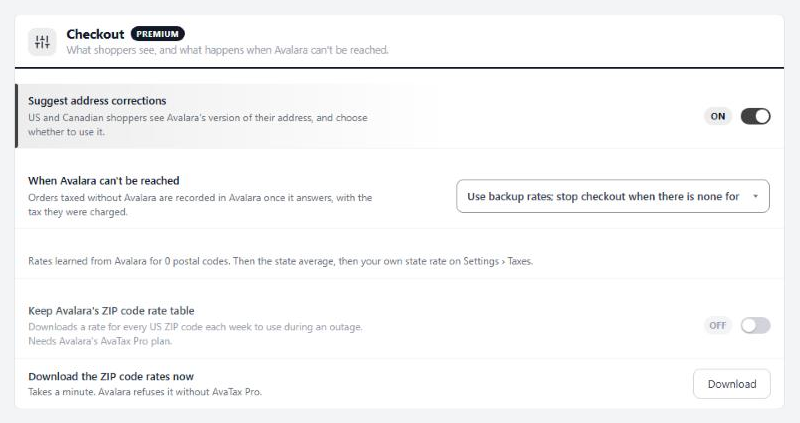
What shoppers see, and what happens when Avalara can’t be reached.
4 settingsSuggest address corrections
US and Canadian shoppers see Avalara’s version of their address when it differs, such as a corrected street or ZIP+4. Use this address fills it in; Keep mine leaves theirs. Nothing changes without the shopper’s click, and tax works either way.
When Avalara can’t be reached
What checkout does when Avalara does not answer within eight seconds. Use backup rates; stop checkout when there is none is the default. Use backup rates; take the order without tax never stops a sale. Stop checkout until Avalara answers never guesses. Orders taxed without Avalara are recorded in Avalara once it answers, with the tax they were charged. The Backup rates line below shows what you have to fall back on.
Keep Avalara’s ZIP code rate table
Downloads Avalara’s rate for every US ZIP code each week, to use during an outage. Needs Avalara’s AvaTax Pro plan. Without it Avalara refuses the download and this switches itself off.
Download the ZIP code rates now
Download fetches the ZIP code table now instead of waiting for the weekly run. It takes a minute.
Orders in Avalara
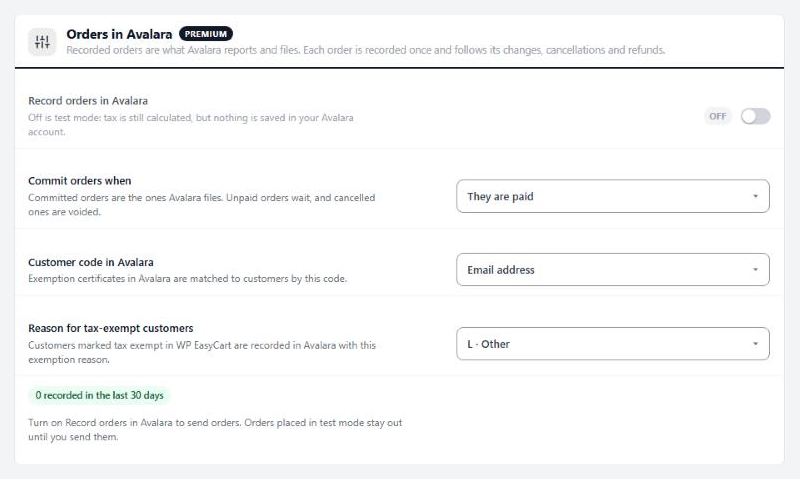
Recorded orders are what Avalara reports and files. Each order is recorded once and follows its changes, cancellations and refunds.
4 settingsRecord orders in Avalara
Off is test mode: tax is still calculated at checkout, but nothing is saved in your Avalara account. On, every order to an address Avalara taxes is recorded under its order number and follows its changes. It starts off, so you can try things first.
Commit orders when
Committed orders are the ones Avalara files. They are paid, They are shipped or picked up, or Never, when you commit them in Avalara yourself. Unpaid orders wait, and cancelled ones are voided.
Customer code in Avalara
The code each sale is filed under in Avalara: the customer’s Email address, or their Customer account number with the email for guests. Exemption certificates in Avalara are matched to customers by this code.
Reason for tax-exempt customers
Customers marked tax exempt in WP EasyCart go to Avalara with this exemption reason, from A · Federal government to R · Non-resident. Pick None to have Avalara tax them as usual.
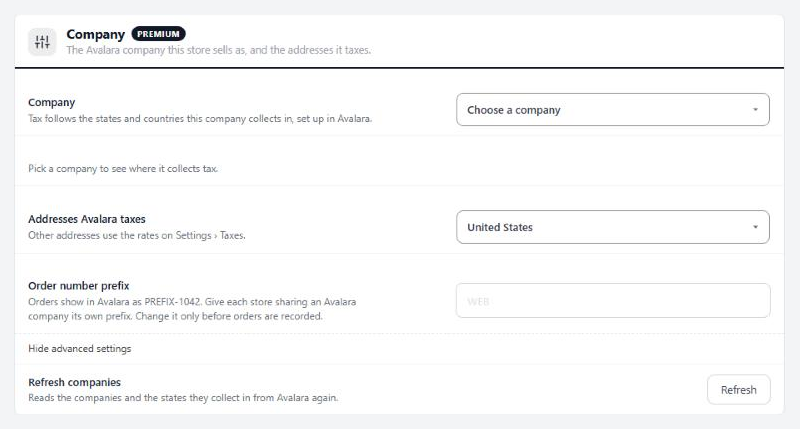
Logs and data
What is written to Settings › Logs, and what happens when the extension is deleted.
3 settingsLog Avalara calls
What goes to Settings › Logs under AvaTax: Errors only, Everything while you troubleshoot, or Nothing. Street lines and emails are masked unless everything is logged.
Delete the order history when the extension is deleted
On, deleting the extension also deletes its record of which orders are in Avalara. Off keeps it in case you install it again. Settings and backup rates are always deleted.
Forget saved tax answers
Checkout reuses Avalara’s answer for the same cart and address for 30 minutes. Forget makes it ask again, such as after changing a rule in Avalara.