
Elementor Page Builder
Main EasyCart & Elementor Setup
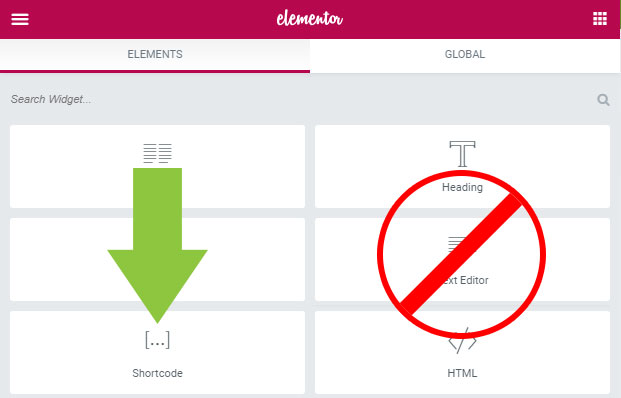
One quick check keeps your core EasyCart pages error-free in Elementor. When EasyCart installs and you utilize Elementor, verify the three pages it constructed — store, cart, and account — use the ‘shortcode’ module, not the ‘Text’ module.
Use the Shortcode Module — Not Text
This only applies to the core EasyCart page setup. When using Elementor, you’re wrapping EasyCart into the Elementor modules — and that means the ‘shortcode’ module, rather than a text editor system.
Text modules interpret code differently
To eliminate possible errors, be sure to check your store page, cart page, and account page that EasyCart constructed — and confirm each one is using the proper ‘shortcode’ module.
Quick Check Items
Open each core page in Elementor and confirm the shortcode module contains the right shortcode.
- Store page: should have
[ec_store]in the shortcode module. - Cart page: should have
[ec_cart]in the shortcode module. - Account page: should have
[ec_account]in the shortcode module.
Elementor — Shortcode Module on a Core Page
Core Pages Checked. Store Ready.
Three shortcodes, three pages, zero errors. If something on a core page still isn’t rendering right, our support team can take a look.