Base Features
Free Online Help
Request Support

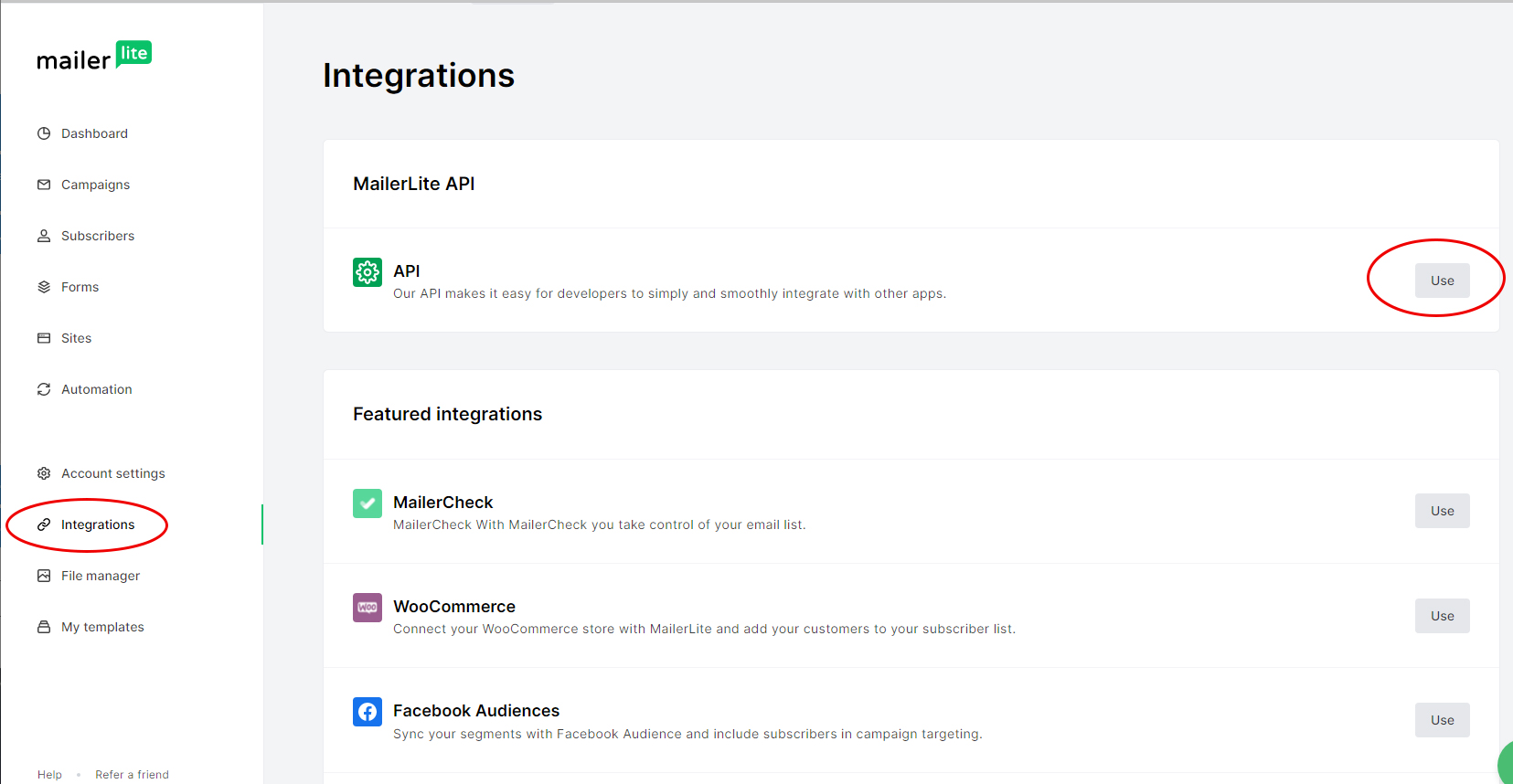
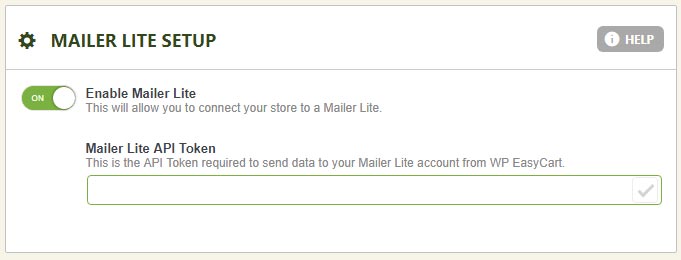
3. You can created a new API key and token by simply giving it a new name and copying/pasting the token into the EasyCart Settings -> Third Party -> Mailer Lite section. Now you are connected and subscribers will go from your checkout process into MailerLite automatically.
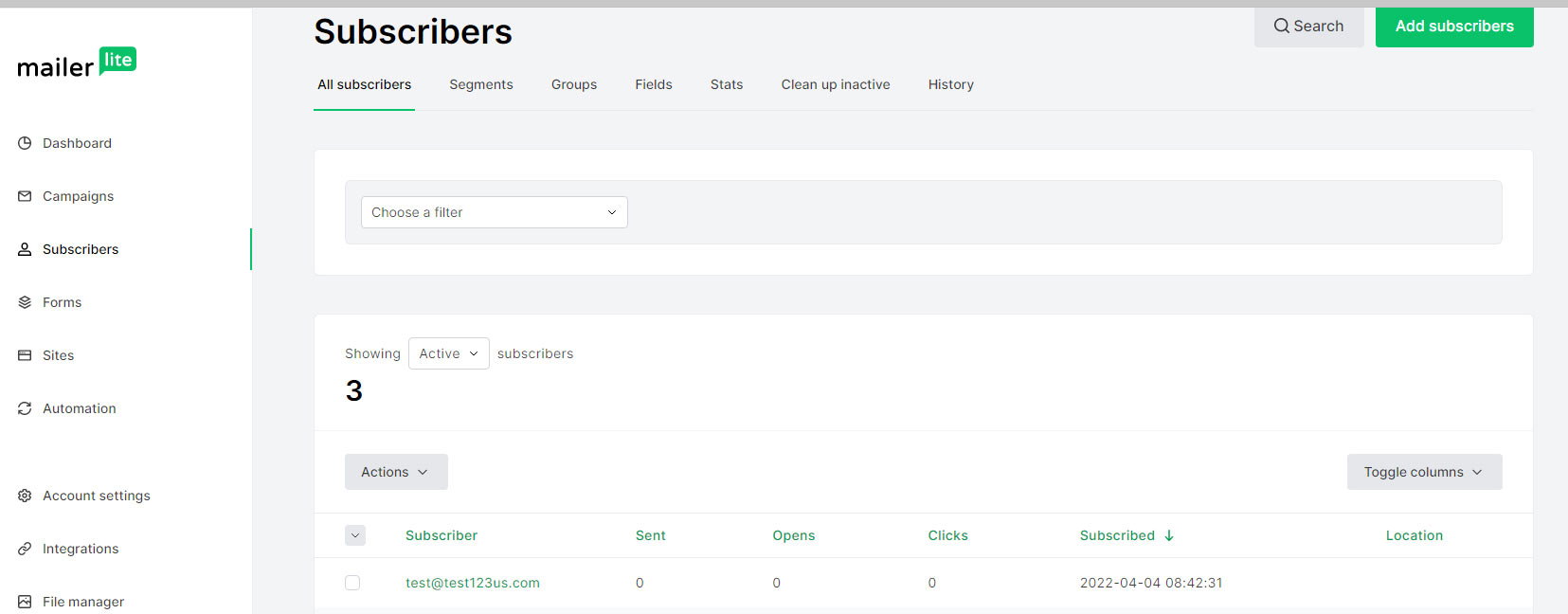
4. Subscribers will begin appearing in your Subscribers section of MailerLite, ready to make campaigns and start sending. We will refer you to their services for more specifics on what they can offer and do within their own software.
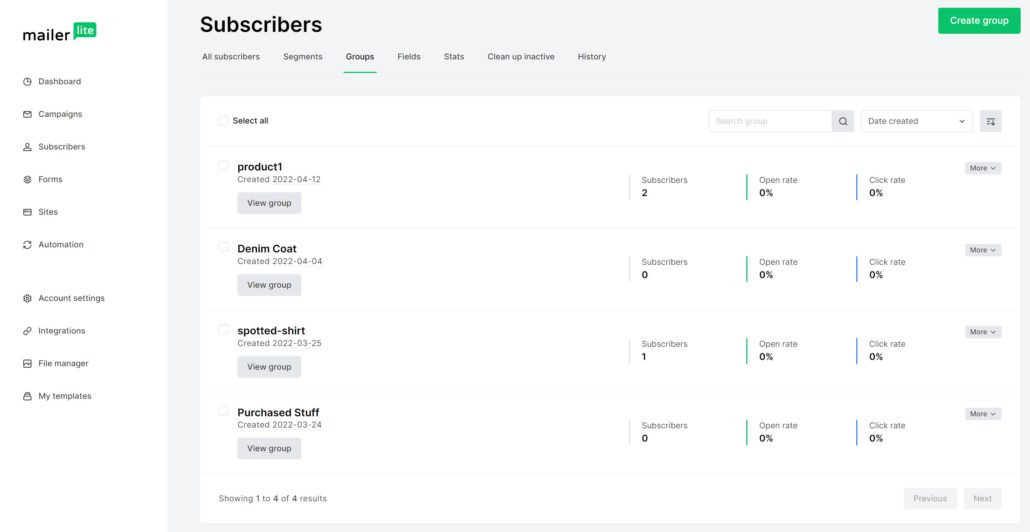
5. Using the Groups feature: You may create a group or groups and assign them to a product. First, go to MailLite -> Subscribers -> Groups and create any groups you wish to assign a subscriber to when they purchase a product. Next, edit the product(s) that you wish to assign this group and expand the basic settings tab and add the group name you just created to the MailerLite Groups box. Now when a customer purchases a product with a MailerLite Group set, it will assign them (if a subscriber) to the group. This feature should allow you to retarget customers that buy specific items.